Fill Knowledge Hub
Tell Dreamteam what you sell, who you sell to and how you qualify. Every AI co-worker reads it, so the better it is, the better their research, drafts and advice.

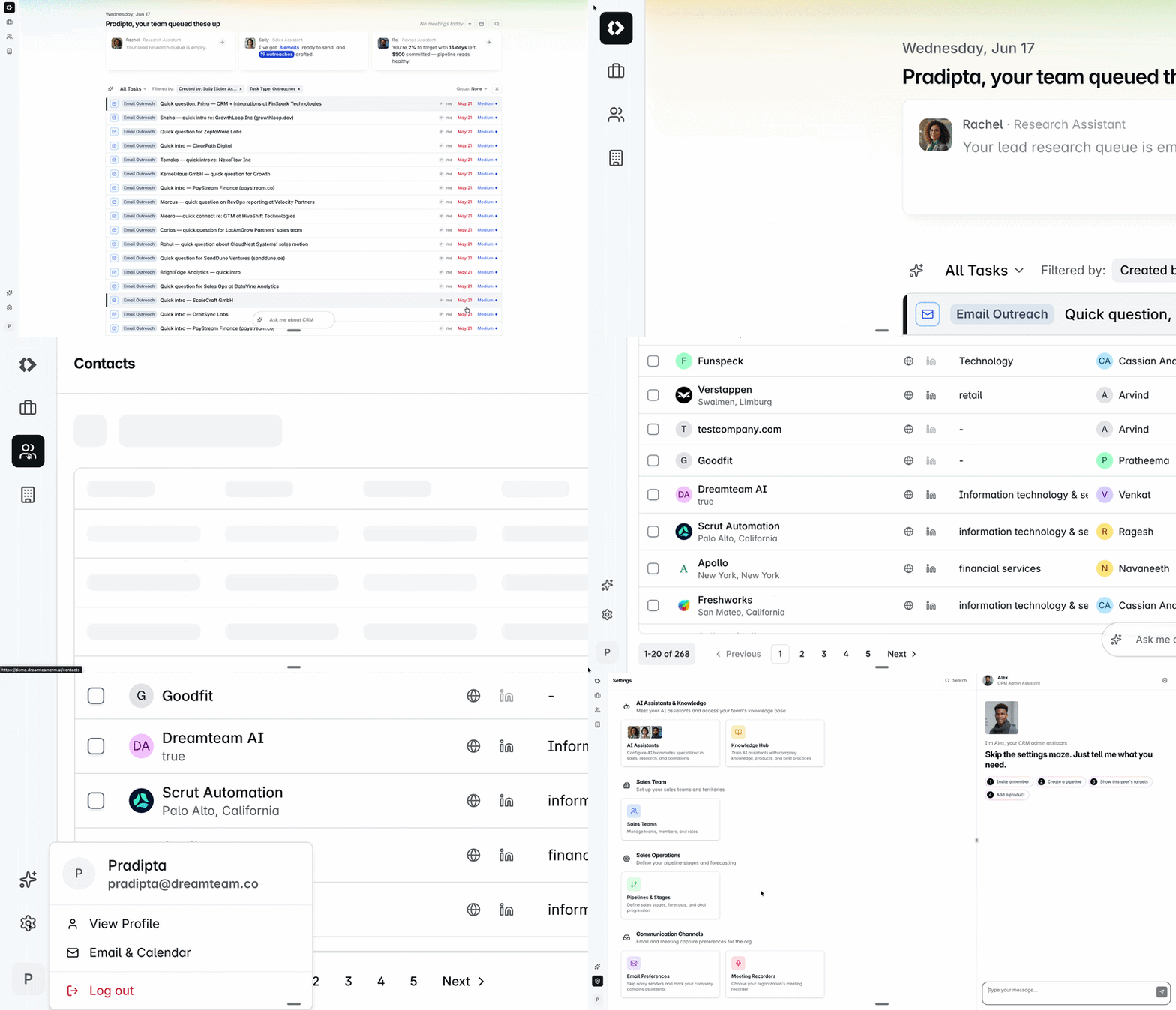
 RachelResearch assistant
Researches every new contact before your first call.
 SallySales assistant
Lines up your day: tasks, emails and meeting prep.
 RajRevOps analyst
Shows what's on track and what's at risk.
 AlexCRM admin assistant
Sets up your workspace and keeps it tidy.
 Ask DreamteamChat in your CRM
Answers from your own data, in plain English.
Tell Dreamteam what you sell, who you sell to and how you qualify. Every AI co-worker reads it, so the better it is, the better their research, drafts and advice.
This is what lets Dreamteam fill in the CRM for you: every conversation and meeting lands on the right record. You can see exactly which emails sync.
Name the stages your deals actually move through today. Keep it short. You can change it any time.
Bring in your sellers, group them into teams and choose who can see which records.
Bring across your contacts, companies and deals from a CSV. Start with the fields your team uses every week. Moving a lot of data? Email us and we'll help.
New enquiries land in Dreamteam on their own, from your website forms or HubSpot. Optional: greet each one with Autopilot.
Ask about your deals and update records from Claude, ChatGPT or Gemini, without opening the CRM. Your data stays in Dreamteam.
 From your Dreamteam CRMSable wants net-60 terms
Moving your data, setting something up, or a question at any step. Write in and we'll pick it up with you.